
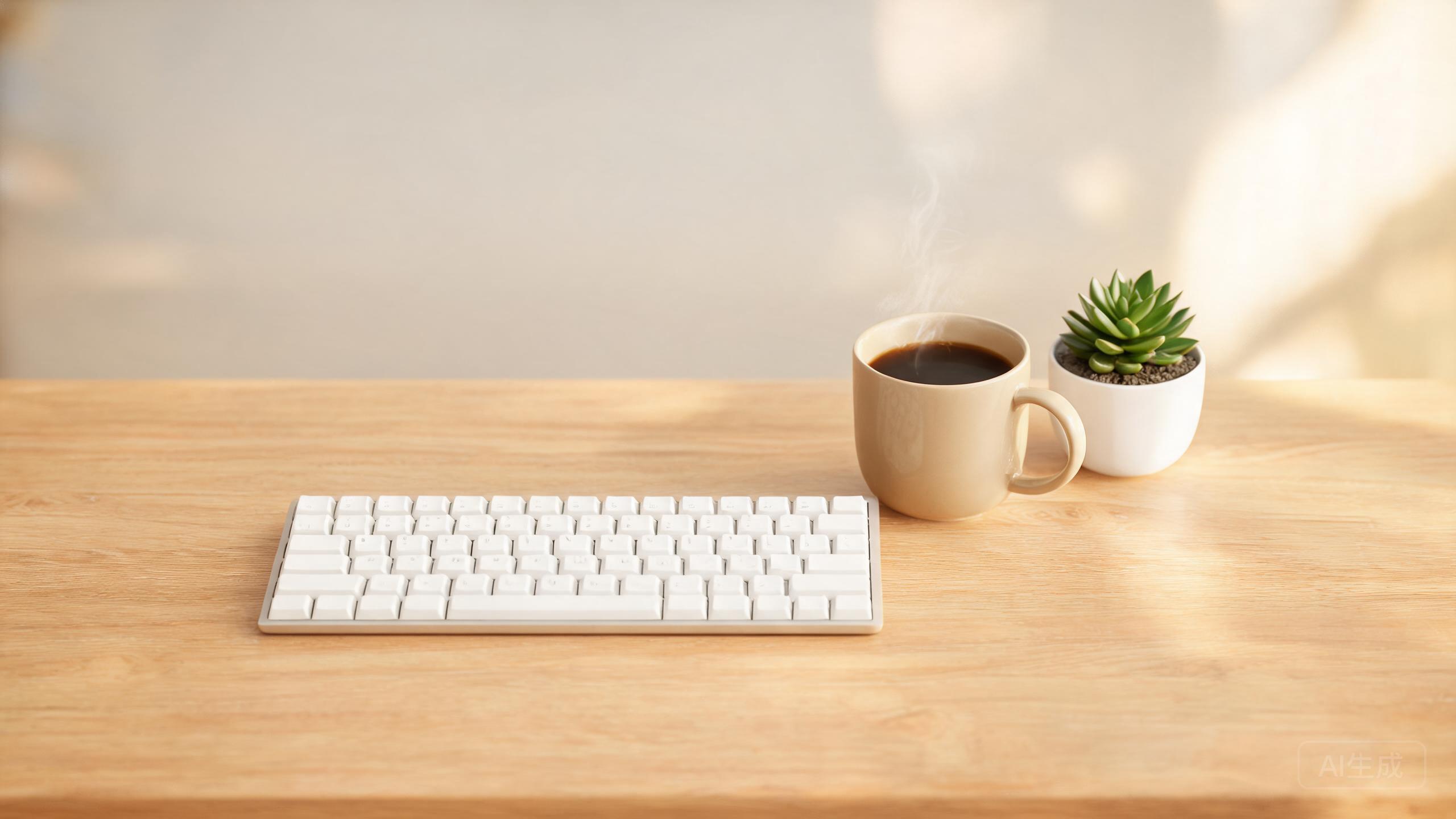
You type more than you realize, and a mechanical keyboard turns those hours into something tactile and pleasant. The right switches and layout can also reduce finger fatigue over a long workday.
Switches: linear, tactile, clicky
Linear switches are smooth and quiet-ish, tactile switches offer a gentle bump without the noise, and clicky switches provide audible feedback. For shared offices, lean linear or tactile for your coworkers' sake.
Layouts and size
Full-size includes a number pad, tenkeyless drops it for more desk space, and compact layouts (75%, 65%) keep arrow keys while saving room. Choose by whether you rely on a number pad.
Hot-swap and customization
Hot-swappable boards let you change switches without soldering — the single best feature for beginners who want to experiment. Quality keycaps and a solid case make a surprising difference in feel.
Our recommended picks
Keychron V1 Max
Wireless, hot-swappable, and the best value entry point.
Logitech MX Mechanical
Low-profile mechanical keys for a sleek, office-friendly option.
NuPhy Air75 V2
A slim, beautiful board that pairs Mac and Windows seamlessly.
The verdict
The Keychron V1 Max is the best all-round value, the MX Mechanical suits office minimalists, and the NuPhy Air75 V2 is the premium slim pick.
✓ Pros
- Comfortable, satisfying typing
- Hot-swap lets you experiment
- Long-lasting switches
✗ Cons
- Can be noisy
- More expensive than membrane boards
- Endless options can overwhelm