
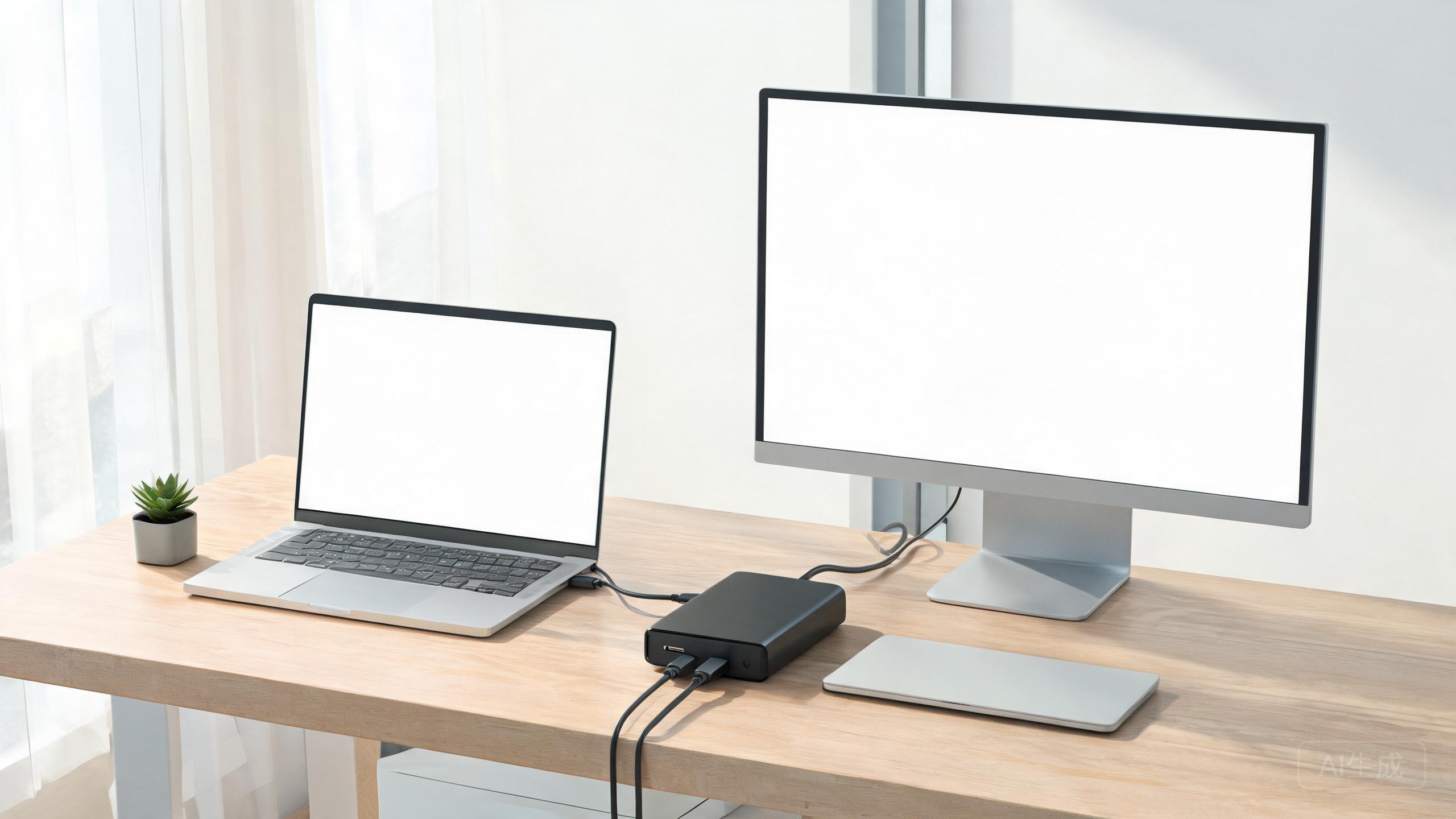
The laptop is the office, but the desk still needs a monitor, keyboard, mouse, and more. A docking station turns a jumble of cables into one tidy connection you plug in when you sit down.
One-cable simplicity
A good dock powers your laptop and connects displays, peripherals, and Ethernet through a single USB-C or Thunderbolt cable. That single connection transforms a floating laptop into a proper workstation.
Displays and power
Check how many external monitors the dock supports at what resolution, and whether it can deliver enough power to charge your laptop. This is where cheaper docks often cut corners.
Ports that matter
Count what you actually need: HDMI or DisplayPort, USB-A for older peripherals, USB-C, Ethernet, and a headphone jack. A card reader is a bonus for photographers.
Our recommended picks
Anker 577 Thunderbolt Dock
Powerful, reliable, and loaded with every port you need.
CalDigit TS4
The premium Thunderbolt powerhouse for heavy setups.
UGREEN USB-C Docking Station
A budget-friendly hub that covers the essentials.
The verdict
The Anker 577 covers most home offices perfectly, the CalDigit TS4 is the pro-grade choice, and the UGREEN hub is a great low-cost starter.
✓ Pros
- One cable replaces many
- Cleaner, calmer desk
- Charges your laptop while docked
✗ Cons
- Quality varies by price
- Monitor support limits differ
- Another box under the desk