
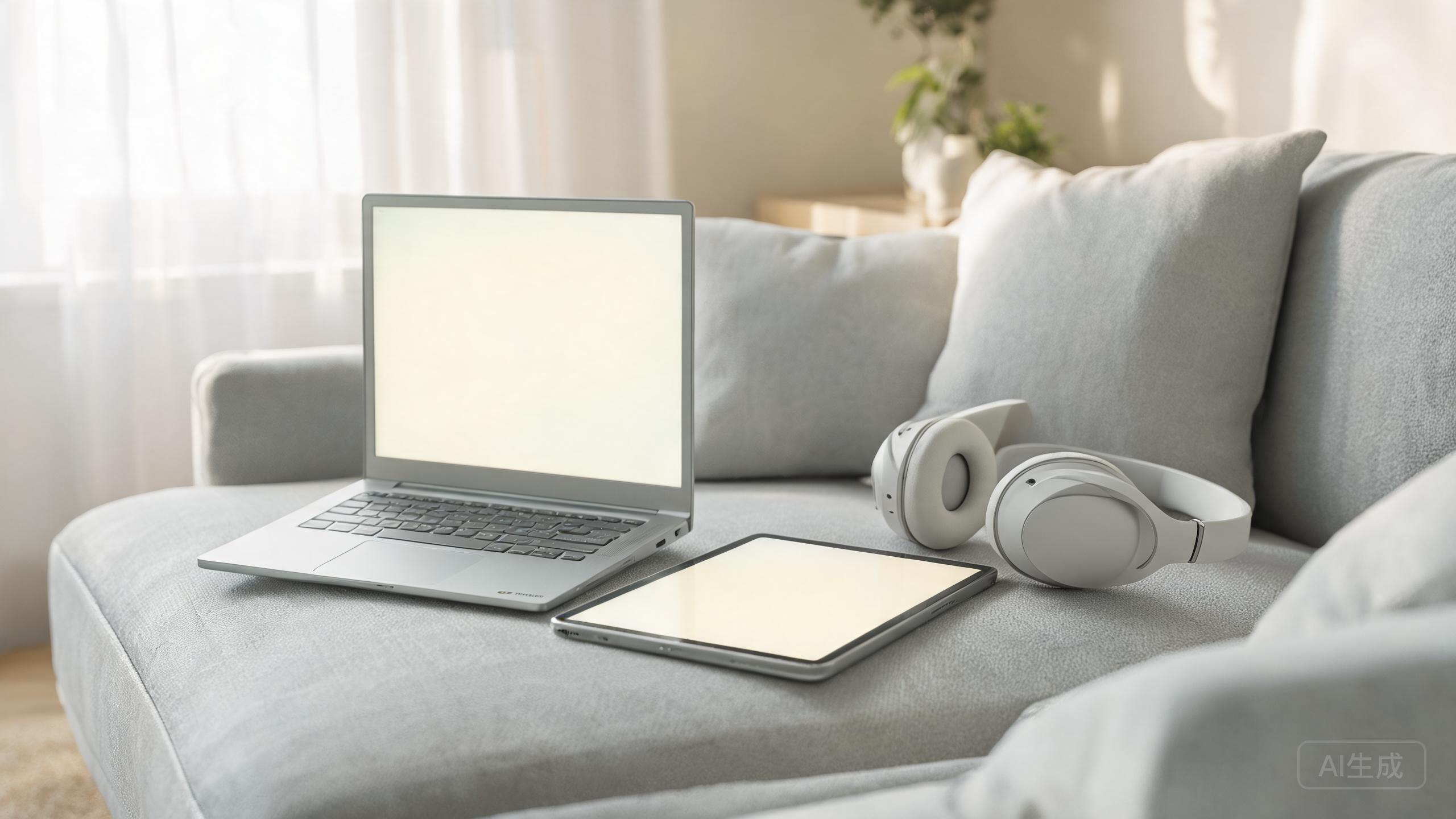
For a huge number of people, everything happens in a browser: email, documents, streaming, and shopping. If that's you, a Chromebook is faster, cheaper, and safer than a comparable Windows laptop.
Why Chromebooks feel fast
They run a light, browser-first operating system that boots in seconds and updates automatically. They rarely slow down the way long-lived laptops do, and their security model makes them popular for families and first-time laptop owners.
What to look for
A recent processor, 8GB of RAM, and a 128GB SSD keep things snappy for years. An IPS 1080p display is worth the small premium over the dimmer TN panels found on the cheapest models.
Know the limits
Chromebooks can't run full desktop Windows or Mac software, though many now run Android apps. If you need Photoshop, specialized engineering tools, or PC games, this isn't the right machine.
Our recommended picks
ASUS Chromebook Plus CX34
The sweet spot of speed, build quality, and price.
Acer Chromebook Spin 714
A premium 2-in-1 with a bright screen and long support.
Lenovo IdeaPad Flex 5 Chromebook
A flexible, dependable pick for students and families.
The verdict
The ASUS Chromebook Plus CX34 is the best balance of value and performance for most people; the Spin 714 steps up if you want premium build and a 2-in-1 hinge.
✓ Pros
- Boot in seconds
- Automatic updates and strong security
- Excellent battery life for the price
✗ Cons
- No full desktop software
- Weak offline features on some apps
- Games are limited to streaming or Android